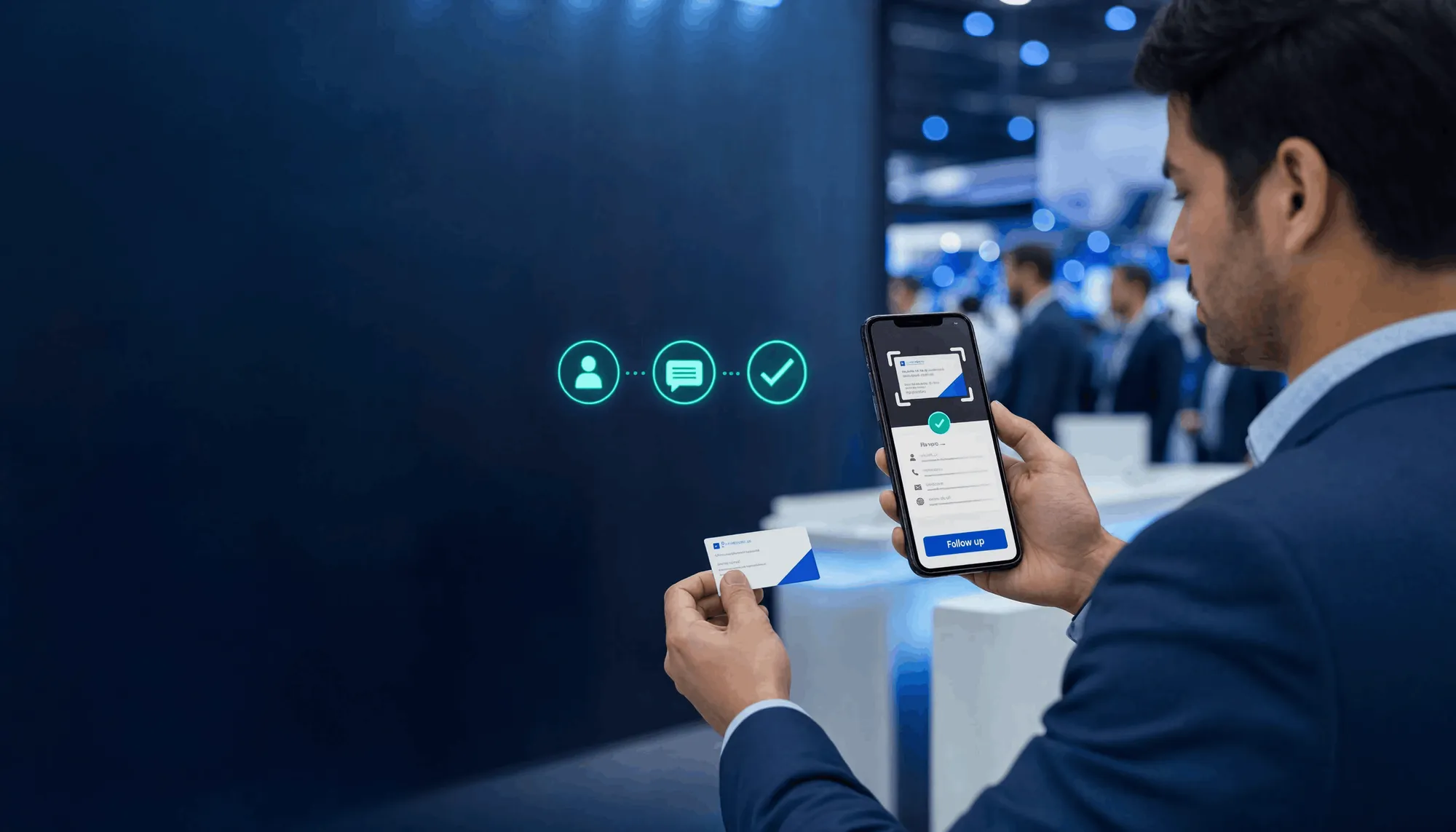
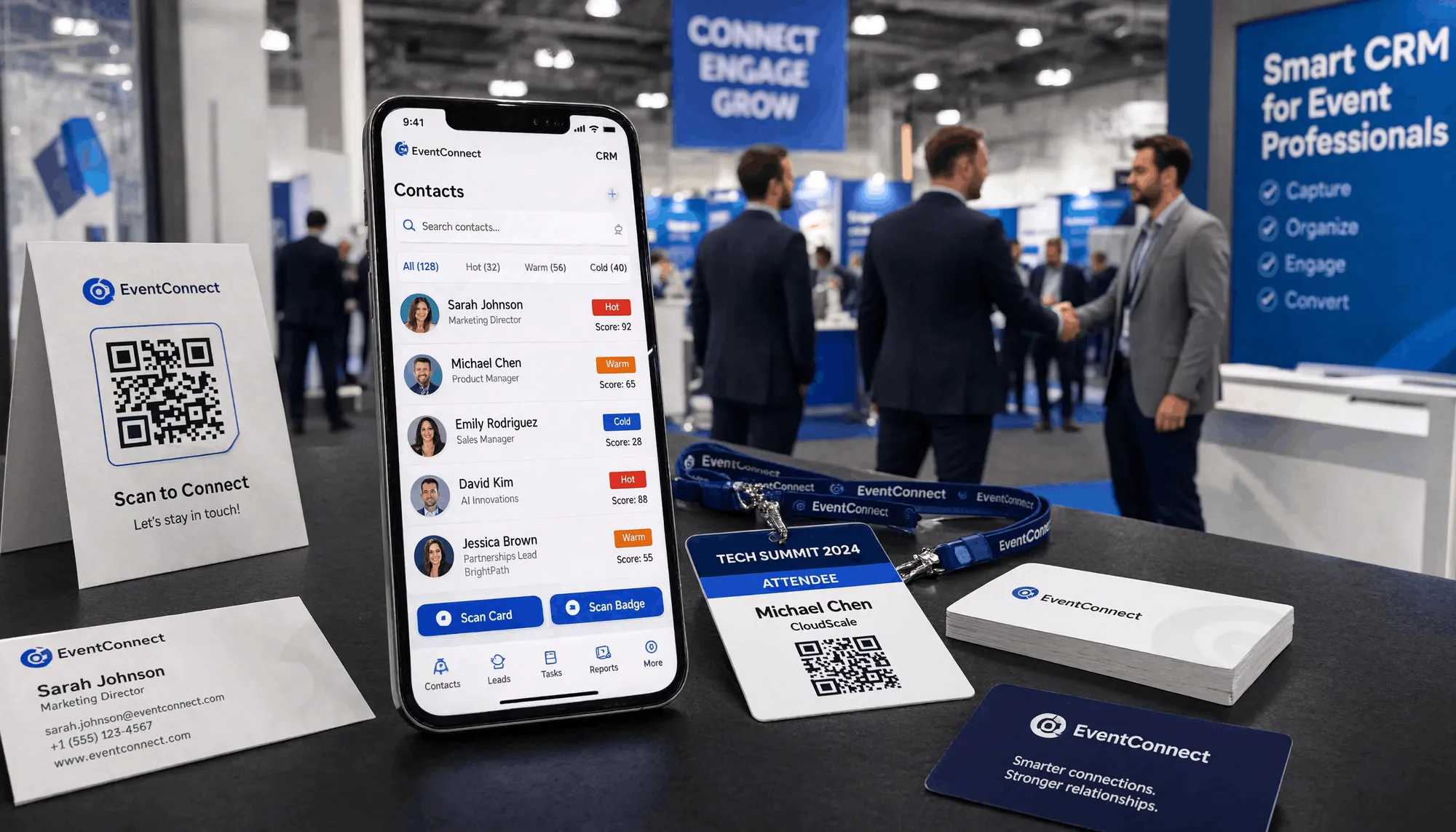
Best Business Card Scanner in India: Why Kauntech Is the Top Choice
Compare the best business card scanner apps in India for 2026. See why Kauntech stands out for offline OCR, WhatsApp follow-ups, Google Sheets sync, DPDP-focused privacy, and turning trade-show contacts into organized sales opportunities.
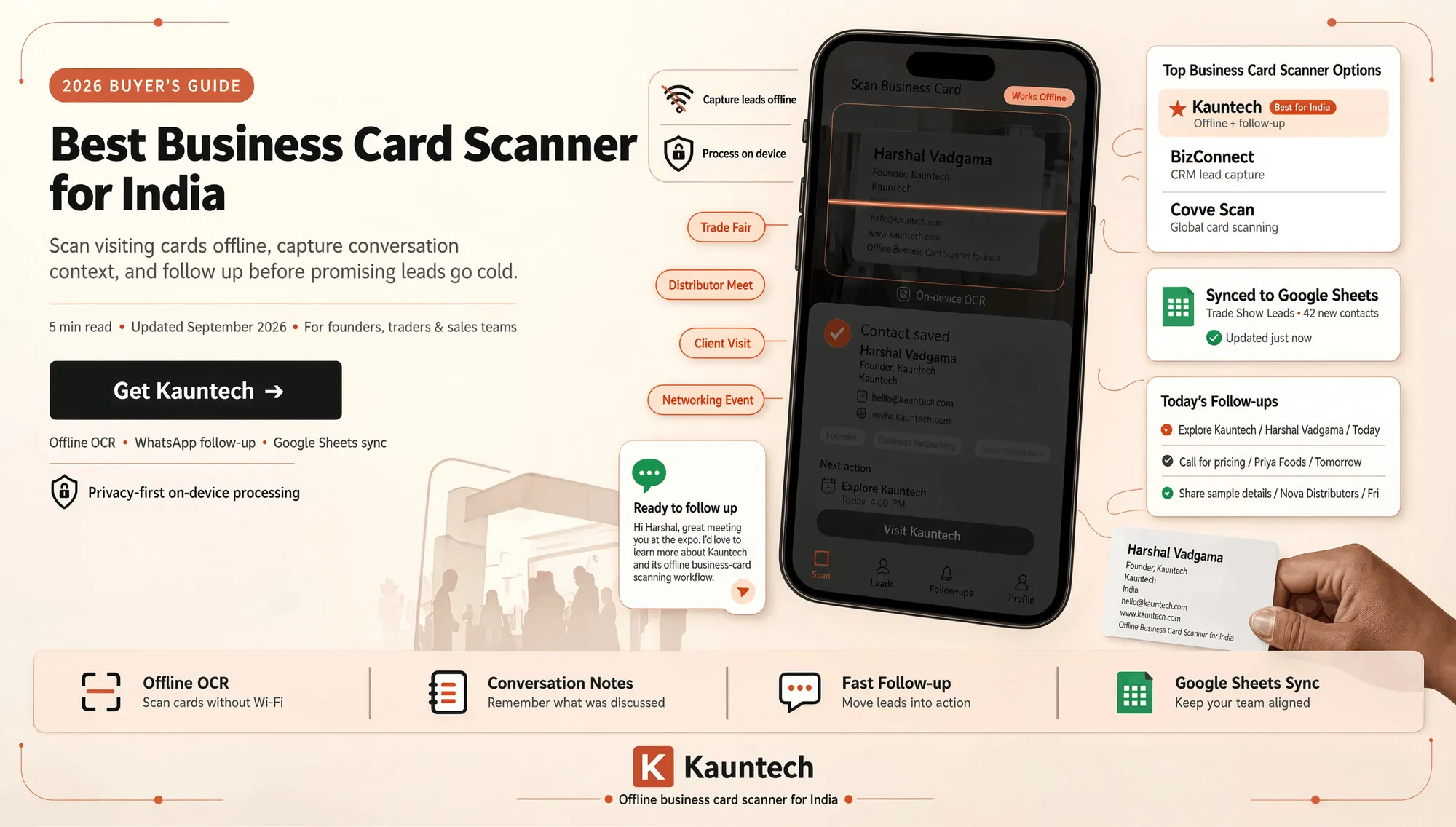
Best Business Card Scanner in India: Kauntech vs BizConnect vs Covve Scan
Business cards are still common at trade shows, exhibitions, client meetings, supplier visits, and networking events. But collecting cards is only the first step.
The real challenge is turning each card into an organized contact, clear follow-up, and business opportunity.
Kauntech is a strong option for Indian founders, traders, distributors, and sales teams that need offline card scanning, follow-up notes, WhatsApp workflows, and Google Sheets sync.
Top Business Card Scanner Apps in India
| App | Best For | Offline Scanning | Follow-Up Workflow |
|---|---|---|---|
| Kauntech | Trade shows, networking, field sales, and Indian businesses | Yes | WhatsApp, Google Sheets, email, CRM |
| BizConnect | CRM-focused sales lead capture | Varies | CRM export workflows |
| Covve Scan | Global and multilingual card scanning | Varies | Contact management and CRM exports |
Kauntech
Best for: Founders, traders, distributors, manufacturers, B2B sales teams, and exhibition attendees.
Kauntech is more than a visiting-card scanner. It helps users capture contact details, record conversation notes, and create a follow-up action immediately after a meeting.
Key Features
- Offline, on-device OCR
- Scan physical cards, QR codes, and NFC contacts
- Add contact notes and follow-up details
- Send leads to WhatsApp, Gmail, Outlook, Google Sheets, and webhooks
- Native Google Sheets sync
- Mobile-first workflow for events and field visits
- Privacy-focused and DPDP-aligned design
- Available on Android and iOS
Why Kauntech Stands Out
Most scanners only save a name and phone number. Kauntech helps you remember what happened in the conversation and what should happen next.
After meeting a distributor at an expo, you can capture:
- Product category discussed
- City or territory
- MOQ or pricing requirement
- Sample or catalogue requested
- Next follow-up date
- WhatsApp message or email to send
This turns business cards into a working follow-up pipeline.
BizConnect
Best for: Teams that need basic CRM workflows and CRM exports.
BizConnect can be useful for teams already working with Salesforce, HubSpot, or Zoho. It focuses on contact extraction, QR-code scanning, lead capture, and CRM export.
Key Features
- AI-powered text extraction
- QR-code scanning
- Sales-lead capture
- CRM export options
- Free tier or daily scan limits depending on the plan
Choose BizConnect if your main goal is sending captured leads to an existing large CRM.
Choose Kauntech if you need offline scanning, WhatsApp follow-up, Google Sheets sync, and a simple workflow for events, distributors, and field sales.
Covve Scan
Best for: International teams and multilingual business-card scanning.
Covve Scan is a useful option for people who scan cards in multiple languages and use a separate CRM or contact-management system.
Key Features
- Multilingual OCR
- Digital contact creation
- Business-card and event-badge scanning
- CRM export options
- Global contact-management workflow
Choose Covve Scan if you need broad language support and international contact management.
Choose Kauntech if you need an India-focused, offline-first workflow with WhatsApp, Google Sheets, and follow-up actions.
Why Kauntech Works for Indian Businesses
Works Offline
Trade shows, factory sites, warehouses, and crowded venues often have poor internet connectivity. Kauntech helps capture business-card information without depending on stable internet access.
Captures Follow-Up Context
A card alone does not tell you what the person needs. Kauntech lets you record:
- Product or service interest
- Pricing or MOQ discussion
- Requested catalogue or sample
- Timeline and priority
- Promised next step
- Follow-up date
Syncs to Google Sheets
Google Sheets is still one of the simplest lead-management tools for small businesses. Kauntech helps move captured contacts into a shared sheet so teams can review leads and track follow-ups.
Supports WhatsApp Workflows
Many Indian businesses follow up through WhatsApp. Kauntech helps users move from a scanned card to a WhatsApp-ready contact and follow-up workflow.
Helps Protect Contact Data
Business cards contain personal information such as names, phone numbers, email addresses, and job titles. Kauntech uses an offline-first, on-device processing approach to reduce unnecessary cloud exposure while capturing contact details.
How to Use Kauntech at an Expo
Before the Event
- Install Kauntech.
- Create a Google Sheet or choose your CRM destination.
- Set lead tags such as
Buyer,Distributor,Retailer,Supplier,Exporter,Partner, orHot Lead. - Prepare a short WhatsApp follow-up template.
- Decide which details you need, such as city, product category, MOQ, budget, territory, or timeline.
During the Event
- Scan the card after the conversation.
- Confirm name, phone number, email, and company.
- Add a short note about the discussion.
- Add the next action, such as sending a catalogue, sharing a price list, arranging a demo, calling later, or sending a sample.
- Tag the lead by type and priority.
- Send the contact to Google Sheets, WhatsApp, email, or CRM.
After the Event
- Review all new contacts.
- Prioritize high-intent leads.
- Send personalised follow-ups within 24 to 48 hours.
- Update the next action after each call or message.
- Track every lead until it is converted, paused, or closed.
Kauntech vs Generic Card Scanners
| Capability | Generic Card Scanner | Kauntech |
|---|---|---|
| Converts card image to contact details | Usually | Yes |
| Works without reliable internet | Varies | Yes |
| Stores conversation notes | Often limited | Yes |
| Supports follow-up actions | Often requires another tool | Yes |
| Google Sheets workflow | Varies | Yes |
| WhatsApp follow-up | Usually manual | Yes |
| Built for trade shows and field use | Not always | Yes |
Who Should Use Kauntech?
- Founders meeting customers, partners, and investors
- Traders collecting buyer and supplier contacts
- Distributors managing dealer and retailer networks
- Manufacturers meeting procurement teams and channel partners
- Field-sales representatives visiting clients
- Exporters and importers attending trade fairs
- Event exhibitors collecting booth leads
- Agencies and consultants meeting prospects
- Small teams using Google Sheets and WhatsApp for lead management
Final Verdict
Many apps can scan a visiting card. Kauntech is built for people who need to do something useful with the contact after scanning it.
It combines offline card capture, conversation notes, Google Sheets sync, WhatsApp follow-up, and simple lead-routing workflows in one mobile-first app.
For founders, traders, distributors, manufacturers, and exhibition teams, Kauntech helps turn networking conversations into organized follow-up and better business opportunities.
Frequently asked questions
What is the best business card scanner app in India?
The best app depends on your workflow. Kauntech is a strong option for Indian founders, field-sales teams, traders, and exhibition attendees who need offline scanning, native Google Sheets sync, WhatsApp follow-up, and privacy-conscious on-device processing. It can scan a card, capture contact details, and route the lead to Sheets, CRM, or WhatsApp in about 30 seconds.
Can I scan visiting cards without internet?
Yes. Kauntech supports offline-first scanning: OCR, contact capture, and saving can work without an internet connection. Internet is only needed when you choose to sync contacts to external tools such as Google Sheets or a CRM, or when using selected AI enrichment features.
Which business card scanner works best at trade shows and exhibitions?
For trade shows, choose a scanner that works offline and lets you add notes and follow-up tasks not one that only saves a phone number. Kauntech is designed for exhibition-floor use: scan the card, record what was discussed, tag the lead, and set a next action before moving to the next conversation.
Does Kauntech scan Indian visiting cards accurately?
Kauntech uses on-device OCR to extract common fields such as name, designation, company, phone number, email address, website, address, and LinkedIn details. It also supports standard English cards, dual-sided cards, QR codes, and NFC-enabled cards. Always review the extracted details before saving, particularly when the card is low-light, damaged, unusually designed, or handwritten.
Can I send scanned business-card contacts to WhatsApp?
Yes. Kauntech supports WhatsApp routing, allowing users to move a captured contact into a WhatsApp-led follow-up workflow. This is useful for Indian SMBs, distributors, and field-sales teams that manage business conversations on WhatsApp.
Is Kauntech suitable for DPDP-conscious businesses?
Kauntech emphasizes local, on-device scanning and a privacy-focused offline-first architecture aligned with DPDP Act 2023 principles. Your business should still maintain its own privacy policies and processes for how collected personal information is stored, accessed, used, and retained.