You Met 120 People at the Expo. Why Are Only 12 in Your CRM?
Most exhibitors lose 70–80% of their trade-show ROI because leads stay in business cards, photos and WhatsApp instead of a real follow-up workflow. Here is how to capture event leads properly and turn them into pipeline.
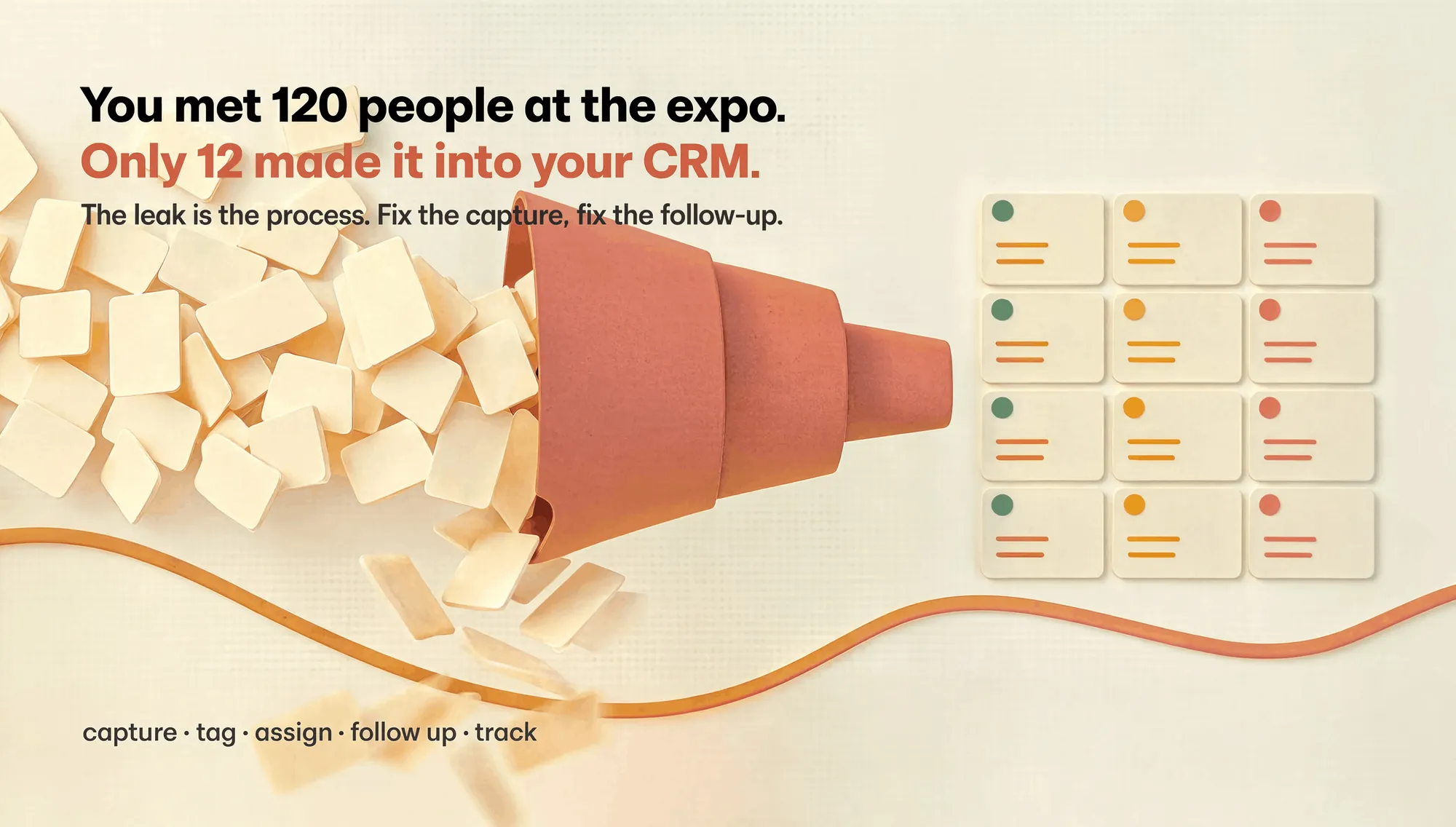
You met 120 people at the expo. Why are only 12 in your CRM?
You spent weeks preparing for the trade show. You booked the stall, printed the banners, trained the team, and collected over 100 business cards.
Two weeks later, you can barely remember half the conversations. Most cards are still in a drawer. The photos of badges are buried in your phone. And your CRM looks almost empty.
This is not a “bad sales team” problem. This is a lead-capture workflow problem.
The hidden leak in your event ROI
Industry research on trade-show follow-up is consistent:
- Leads contacted within 24–48 hours convert far better than those contacted after a week.
- Best practice is to segment leads on the spot (hot, warm, cold) and follow up with context, not a generic “nice to meet you” email.
- Strong exhibitors record outcome, owner and next step immediately after each meaningful meeting, then track the lead through a simple pipeline.
But in reality, most MSMEs and small B2B teams work like this:
- Business cards go into a box or wallet.
- Badge photos sit in the camera roll.
- Notes are scribbled on brochures or stored in random WhatsApp chats.
- Someone types a few contacts into Excel “when we get time.”
- Follow-up happens late, without context, or not at all.
The result: you pay for the event, but your pipeline does not reflect it.
What “good” event lead capture looks like
Good event lead capture is not about fancier business cards or NFC gadgets. It is about process:
-
Capture
- Scan or photograph the card/badge quickly.
- Extract name, company, phone, email, website.
-
Context
- Add 2–3 lines: what they care about, what you promised, any objections.
- Tag the event and lead temperature (hot/warm/cold).
-
Next action
- Assign an owner.
- Set a clear next step: call, demo, proposal, sample, WhatsApp message.
-
Follow-up
- Send a short, specific email or message within 24–48 hours.
- Reference the conversation, not just the event name.
-
Track
- Move the lead through stages: New → Contacted → Qualified → Meeting → Won/Lost.
- Review after 30–90 days to see which events actually generate revenue.
This loop—organize → prioritize → assign → follow up → track—is what separates exhibitors who grow from those who just “do another show.”
Why most tools don’t fit Indian MSMEs
Many lead-capture and CRM tools assume:
- You already use a heavy CRM like Salesforce or HubSpot.
- Your team is comfortable with complex workflows.
- You have stable internet at the venue.
- You are willing to pay per-seat, per-month for a tool used only during events.
For many Indian MSMEs and small B2B teams, the reality is different:
- You run your business on Google Sheets, WhatsApp and email.
- Your “CRM” is often a shared Excel file or a founder’s personal contacts.
- You attend multiple local expos, buyer meets and industry events every year.
- You need something simple, fast, and affordable, not another enterprise platform.
This is where Kauntech is built differently.
How Kauntech fixes the event-to-pipeline gap
Kauntech is designed for teams that live between the expo floor and the follow-up email.
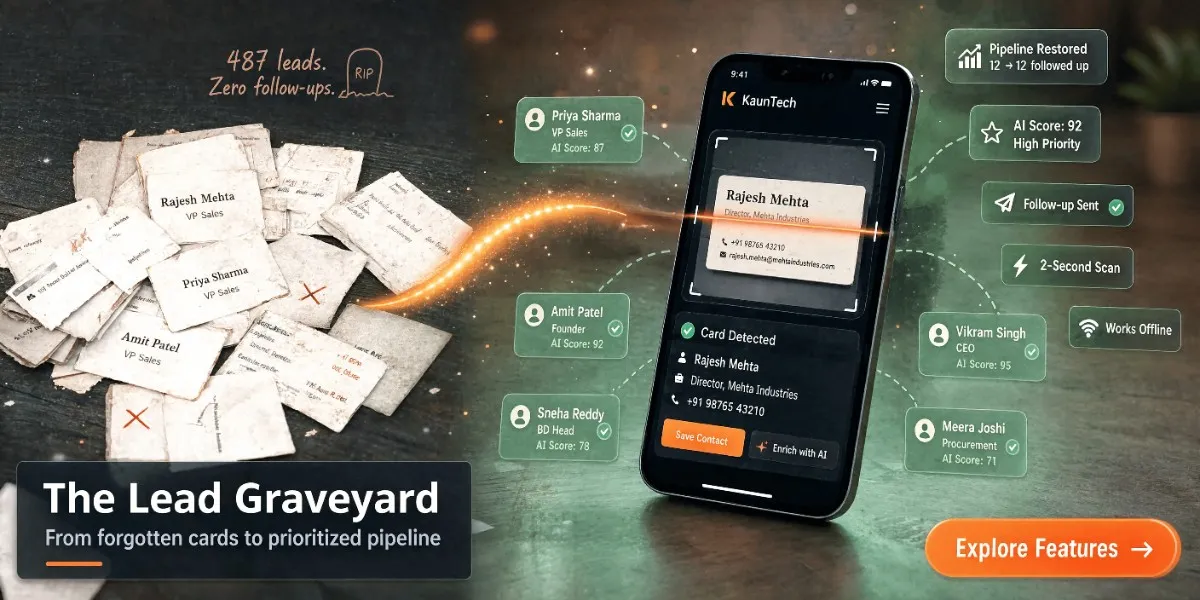
1. Capture in seconds
- Scan a business card or badge photo.
- Extract key details automatically.
- Save directly to your Kauntech workspace.
2. Add context while it’s fresh
- Jot down what the prospect cares about.
- Note any commitments you made (“send pricing”, “share case study”, “connect with technical team”).
- Tag the event and mark the lead as hot, warm or cold.
3. Move to Sheets or CRM
- Export clean, structured leads to Google Sheets or your existing CRM.
- Include event tags, notes and next actions, not just name and number.
4. Own the follow-up
- See who is assigned to each lead.
- Track which leads have been contacted and which are waiting.
- Close the loop: meeting booked, proposal sent, deal won or lost.
The goal is simple: no more “mystery cards” and forgotten conversations. Every person you meet at an event becomes a row in a system you actually use.
A simple 48-hour playbook you can copy
You do not need a perfect system to start. Use this lightweight playbook after your next event:
Same day (at the venue or evening):
- Triage your leads into three buckets: hot, warm, cold.
- For your top 5–10 hot leads, send a very short message:
- Reference something specific they told you.
- Restate the value you can deliver.
- Propose one concrete next step (call, demo, sample).
Day 1–2:
- Send your main batch of follow-ups within 48 hours.
- Use a simple structure:
- Subject: “Our conversation at [Event] – [Specific topic]”
- Opening: thank them and mention the specific discussion.
- Value: share one relevant resource or idea.
- Call to action: propose two time slots or ask for a convenient time.
Day 5–7:
- Send one more touch with a useful resource (case study, short video, pricing sheet).
- For cold leads, add them to a light nurture sequence or a periodic update list.
After 30–90 days:
- Review how many leads turned into meetings, proposals and deals.
- Note which events are worth repeating and which are not.
Kauntech is built to support exactly this flow: capture, tag, assign, follow up, and review—without forcing your team into a heavy CRM on day one.
When to consider a dedicated event lead tool
You might be thinking: “Can’t we just use our existing CRM or a generic scanner app?”
You probably need a dedicated workflow like Kauntech if:
- Your team collects dozens or hundreds of contacts per event.
- You regularly attend multiple expos, buyer meets or industry events each year.
- Your current process relies on cards, photos, WhatsApp and memory.
- You want event-level reporting: which shows actually generate pipeline?
- You need something simple enough for non-sales people to use consistently.
If your answer is “yes” to most of these, a lightweight, event-focused tool will pay for itself in one or two converted leads.
How to start without changing your entire stack
You do not need to rip out your current tools to improve event lead capture.
A practical approach:
- Pick your next event as a pilot.
- Use Kauntech only for that event’s leads.
- Export the final list to Google Sheets or your CRM.
- Compare:
- How many leads were captured?
- How many were followed up within 48 hours?
- How many turned into meetings or opportunities?
If the pilot works, roll it out to your next event. Over time, you will build a clean history of which events matter and which do not.
Final thought: your next event is already coming
Another expo, another buyer meet, another industry summit is already on your calendar.
You can run it the same way as before: great conversations, weak follow-up, unclear ROI.
Or you can treat every handshake as the start of a real pipeline:
- Capture the contact.
- Save the context.
- Assign the next action.
- Follow up while it’s still fresh.
- Track the outcome.
That is the difference between “we did an event” and “this event grew our business.”
If you want to see how this works in practice, you can explore Kauntech here:
kauntech.com/get
Frequently asked questions
Isn’t this just a business card scanner app?
No. A basic scanner only extracts contact details. Kauntech is built around the full event workflow: capture the card, add meeting context, tag the event, assign a next action, and move the lead into Google Sheets or your CRM so follow-up actually happens.
We already use a CRM. Do we still need Kauntech?
If your team struggles to get event contacts into the CRM with proper context, yes. Many teams use Kauntech as a lightweight capture layer at events, then export clean, tagged leads into their existing CRM. You keep your CRM, but fix the messy first step.
Is Kauntech only for big trade shows?
No. It works for any situation where you meet many prospects in a short time: local expos, buyer meets, chamber events, college fests, partner meets, roadshows, and even multi-city sales trips.
Do we need stable internet at the venue?
Kauntech is designed for real event conditions. You can capture leads offline and sync them when you have connectivity. This helps in crowded venues with poor network, which is common at many Indian expos.
How is this different from using Google Forms or Excel?
Forms and Excel can store contacts, but they don’t enforce a follow-up workflow. Kauntech helps you tag leads by event and temperature (hot/warm/cold), add structured notes and next actions, assign owners and track who followed up, and export ready-to-use rows to Sheets/CRM. This turns a static list into a trackable pipeline instead of just another spreadsheet.