Business Card OCR: How AI Converts Physical Cards into Digital Contacts
Business card OCR transforms printed contact details into structured digital contacts within seconds. Learn how offline OCR, AI enrichment, lead scoring, and automation help sales teams capture and follow up with leads more efficiently.
title: "Business Card OCR: How AI Converts Physical Cards into Digital Contacts" slug: "business-card-ocr-how-ai-converts-physical-cards" description: "Learn how business card OCR extracts contact details offline, enriches leads with AI, protects privacy, and automates follow-up with Kauntech." excerpt: "Business card OCR transforms printed contact details into structured digital contacts. Discover how offline scanning, AI enrichment, lead scoring, and automated follow-up help sales teams convert event connections into opportunities." author: "Kauntech Team" type: "article" category: "Business Networking" tags:
- Business Card OCR
- AI Business Card Scanner
- Offline Business Card Scanner
- Business Card Scanner India
- OCR Contact Extraction
- Lead Capture
- Trade Show Leads
- AI Lead Scoring
- Sales Automation
- DPDP Data Privacy
- Google Sheets CRM
- WhatsApp Follow-Up featured_image_alt: "AI-powered offline business card scanner converting a printed card into a structured digital contact"
Business Card OCR: How AI Converts Physical Cards into Digital Contacts
Business cards are still widely used at trade shows, conferences, exhibitions, networking events, and business meetings.
The challenge begins after the conversation ends.
Sales teams may return with dozens or hundreds of cards containing names, phone numbers, email addresses, job titles, company information, and handwritten notes. Entering all this information manually takes time, creates errors, and often delays follow-up.
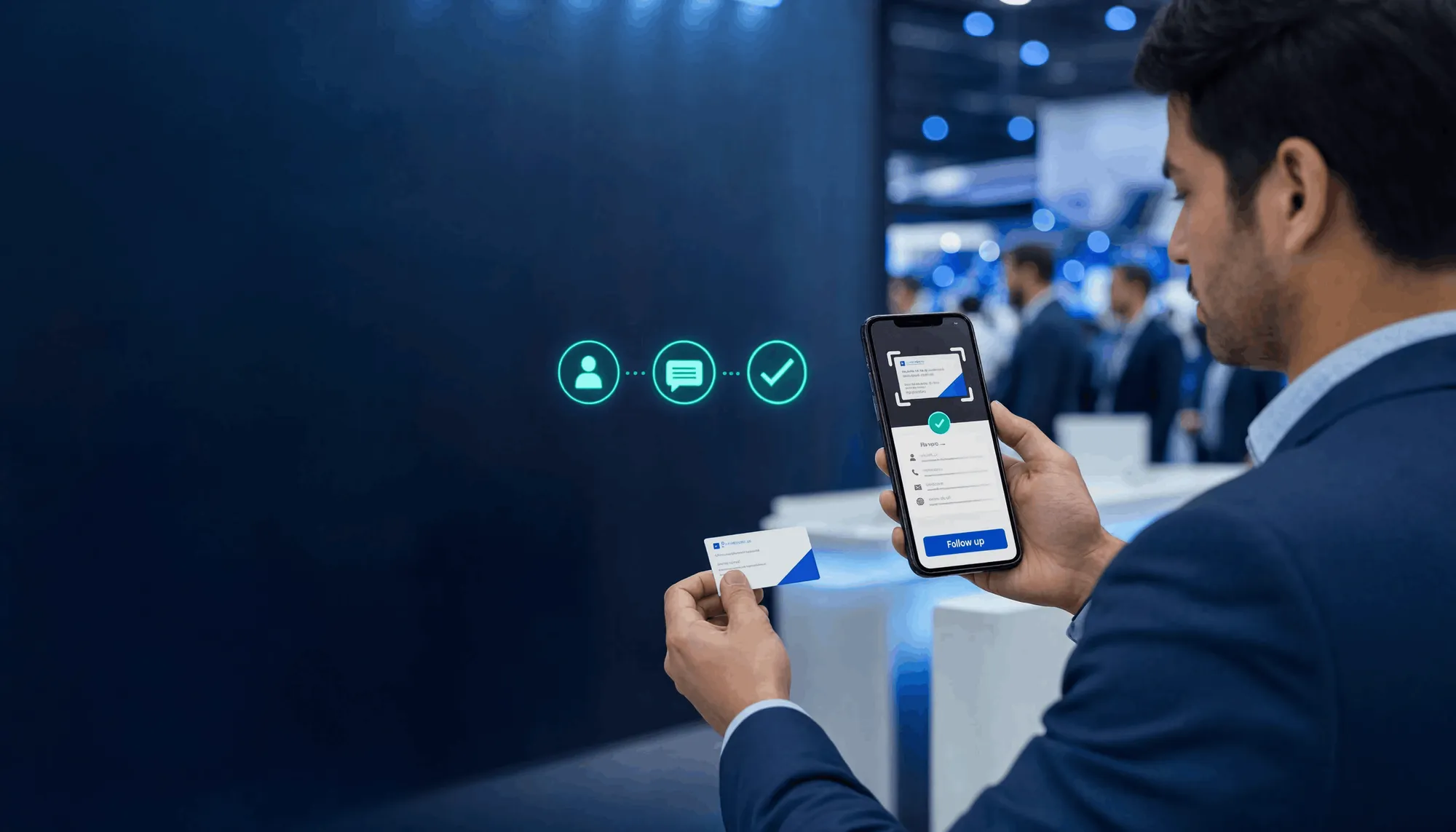
Business card OCR solves this problem by using artificial intelligence to read printed information from a physical card and convert it into a structured digital contact.
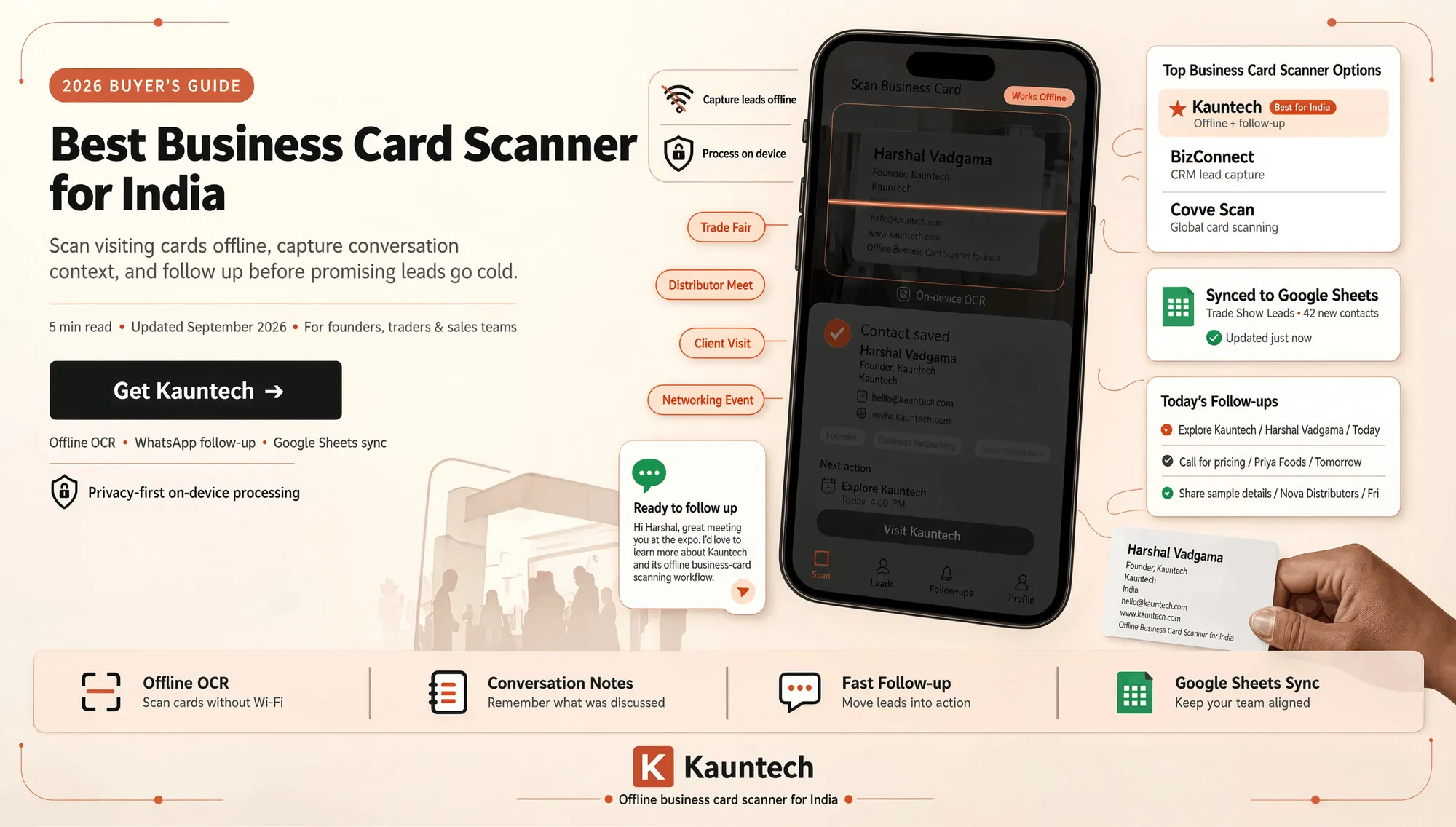
With an offline-first business card scanner such as Kauntech, teams can capture cards, save notes, enrich contact information, prioritize leads, and prepare follow-ups without depending on continuous internet connectivity.
What Is Business Card OCR?
OCR stands for Optical Character Recognition. Business card OCR uses image-recognition technology to identify text from a photographed business card and convert it into editable digital information.
Instead of typing every field manually, the scanner can identify details such as:
- Full name.
- Job title.
- Company name.
- Mobile number.
- Email address.
- Website.
- Office address.
- Social media information.
- Additional notes.
The extracted information is then organized into separate contact fields. This makes the data easier to review, save, search, share, and connect with sales tools.
However, effective business card scanning requires more than recognizing letters. The system must understand which text represents a person's name, which number is a phone number, which text is the company name, and where each detail belongs in the contact record.
Why Manual Data Entry Does Not Scale
Manual data entry may be manageable when you collect two or three cards. It quickly becomes inefficient after a large event.
Sales teams commonly face problems such as:
- Lost, damaged, or misplaced cards.
- Hours spent typing contact information.
- Incorrect phone numbers or email addresses.
- Inconsistent formatting between team members.
- Delayed CRM or spreadsheet updates.
- Missed follow-ups.
- Difficulty identifying high-value prospects.
- No context about the original conversation.
For example, a sales representative who collects 150 cards at an exhibition may spend an entire working day organizing them manually. By the time the list is ready, the most interested prospects may have already received a follow-up from a competitor.
The real problem is not simply capturing contact information. It is converting that information into an actionable sales opportunity quickly.
How AI Scans a Business Card
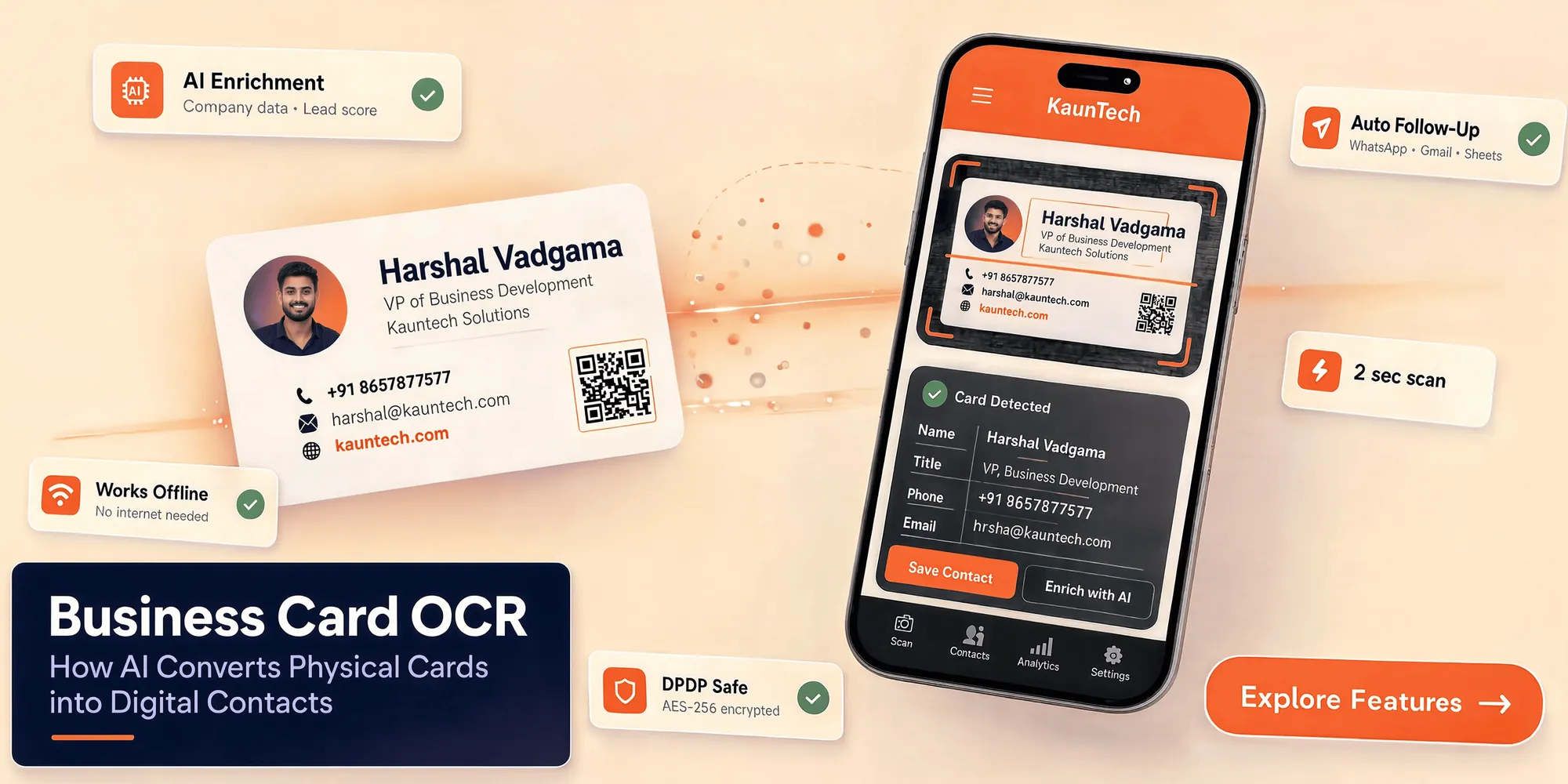
A modern AI business card scanner generally follows this workflow:
- The user captures an image of the business card.
- OCR identifies printed text in the image.
- AI separates the information into structured fields.
- Phone numbers, email addresses, websites, and names are detected.
- The user reviews and corrects the extracted details.
- The contact is saved securely.
- The data can be enriched, scored, synchronized, or routed to another tool.
Kauntech supports four contact-capture methods:
- Business card OCR.
- QR code scanning.
- NFC contact sharing.
- Manual entry with custom fields.
This allows teams to choose the fastest capture method for each situation.
Can You Scan Business Cards Without Internet?
Yes. An offline-first business card scanner can capture and process cards without an active internet connection.
This is useful in:
- Exhibition halls with weak network coverage.
- Basement conference rooms.
- Rural and semi-urban business events.
- Flights and train journeys.
- Crowded venues with unreliable mobile data.
- Locations affected by temporary internet outages.
Kauntech is designed for offline contact capture and processing. Sensitive contact data stays encrypted on the device, while queued information can synchronize or back up when network connectivity becomes available.
This means sales teams can continue collecting leads even when the venue has poor internet access.
Why Offline OCR Matters in India
Indian businesses operate across a wide range of cities, industries, event venues, and network conditions. A business card scanner used by Indian sales teams may need to handle different card layouts, languages, phone-number formats, and printing styles.
Common challenges include:
- Mobile numbers written in different formats.
- Landline numbers and extensions.
- Long company names.
- Cards containing multiple languages.
- Small or decorative fonts.
- Local addresses.
- Cards containing WhatsApp numbers.
- QR codes printed beside contact details.
- Low-quality printing or complex backgrounds.
Offline processing is especially useful for professionals who travel between cities or attend events where connectivity is uncertain.
An offline-first workflow allows the user to scan first and synchronize later. Contact capture does not stop simply because cloud connectivity is temporarily unavailable.
What Happens After OCR?
OCR is only the first stage of the workflow.
Once a card has been converted into a digital contact, the information can be transformed into useful sales intelligence. With Kauntech, a contact can be:
- Enriched with company information.
- Classified by industry.
- Reviewed for company size and founder information.
- Assigned an AI-generated lead score.
- Given a personalized conversation starter.
- Used to create an email opener.
- Routed to WhatsApp.
- Synchronized with Google Sheets.
- Sent to a CRM or ERP through a webhook.
- Forwarded to Telegram for instant notifications.
The complete workflow looks like this:
Scan → Extract → Enrich → Score → Follow up → Sync
This is more valuable than keeping a long list of names and phone numbers. It creates a repeatable process for deciding what to do next with every contact.
AI Enrichment for Scanned Contacts
A scanned business card usually contains only basic information. AI enrichment adds useful context that can help the sales team understand the prospect.
Depending on the available information and configured workflow, enrichment may help identify:
- Company industry.
- Company size.
- Founders or key decision-makers.
- Business category.
- Potential use cases.
- Relevant conversation topics.
- A personalized email opener.
- A suitable follow-up angle.
For example, a card may show that a person is the Operations Head of a manufacturing company. AI enrichment can help the salesperson prepare a more relevant conversation about process automation, lead management, or operational efficiency instead of sending a generic message.
Enrichment should support human sales judgment, not replace it. The sales representative should review important information before using it in an external communication.
How AI Lead Scoring Helps
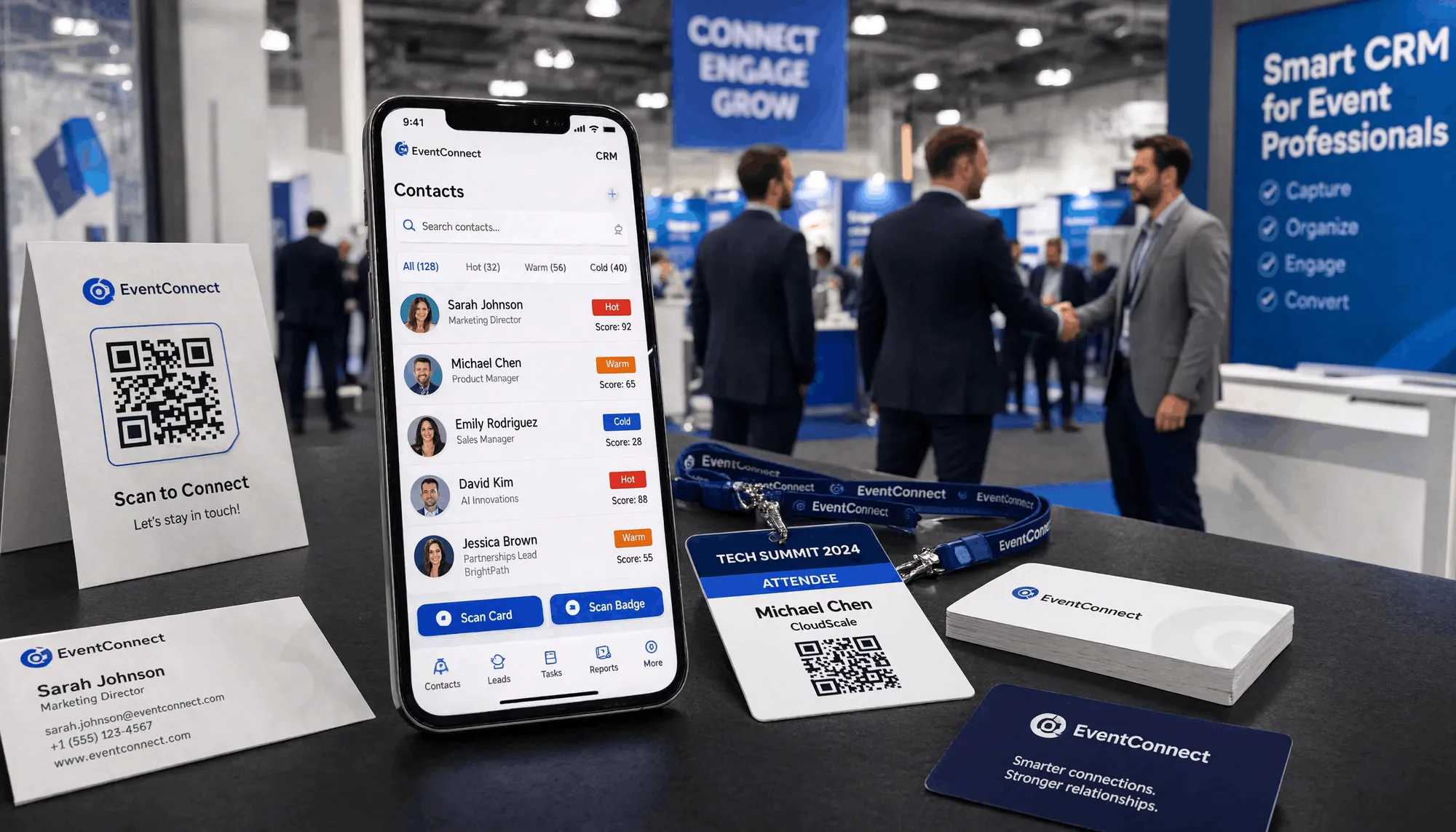
After an event, not every contact has the same level of buying intent.
One visitor may have asked for pricing and implementation details. Another may have only accepted a card while walking past a booth. Treating both contacts equally wastes valuable sales time.
AI lead scoring helps rank contacts according to their likely value and urgency. Useful signals may include:
- Company size.
- Industry.
- Job seniority.
- Fit with the ideal customer profile.
- The prospect's stated business problem.
- Questions about pricing or timelines.
- Whether a meeting was scheduled.
- Whether the interaction was brief or detailed.
- QR-code scans or NFC interactions.
- Responses to an initial follow-up.
The result is a prioritized list that helps sales representatives contact the most promising leads first.
Lead scoring does not replace human judgment. It helps answer one practical question:
Which lead should the sales team contact first?
Add Audio Notes While the Conversation Is Fresh
Important context is often forgotten after a busy event.
A business card may tell you a person's name, role, and company, but it does not explain:
- What problem they mentioned.
- Which product they asked about.
- When they want a follow-up.
- Who else is involved in the decision.
- What promise the salesperson made.
- Whether the person prefers email, phone, or WhatsApp.
Kauntech supports offline audio notes, allowing sales representatives to record a quick voice memo immediately after a conversation.
A useful note might be:
"Interested in automating lead follow-up for the sales team. Asked for pricing and wants a product demo next week. Contact after Tuesday."
This context can make the follow-up more personal and more useful.
Business Card OCR, QR, NFC, or Manual Entry?
Different capture methods are useful in different situations.
| Capture method | Best for | Main advantage | Limitation |
|---|---|---|---|
| Business card OCR | Printed business cards | Works with most physical cards | Extracted data may need review |
| QR scanning | Digital cards and event badges | Fast and structured capture | Requires a readable QR code |
| NFC tap | Modern networking | Quick contact exchange | Requires NFC-compatible devices or setup |
| Manual entry | Incomplete or unusual details | Maximum control | Slower than automated capture |
A flexible lead-capture platform should support more than one method.
OCR is ideal for traditional printed cards. QR scanning is useful for badges and digital profiles. NFC is convenient for fast contact exchange. Manual entry helps when the card contains incomplete information or when the user wants to add custom details.
Is Business Card OCR Accurate?
OCR accuracy depends on several factors:
- Image quality.
- Lighting.
- Card orientation.
- Font size.
- Font style.
- Background design.
- Text contrast.
- Number of languages.
- Whether the card contains handwritten details.
A reliable business card scanner should allow users to review and edit extracted information before saving it.
Important quality features include:
- Editable contact fields.
- Email and phone-number validation.
- Duplicate detection.
- Support for different card layouts.
- Multi-language handling.
- Clear image-capture guidance.
- Offline processing.
- Secure local storage.
No OCR system should encourage users to blindly trust every extracted field. A quick review is especially important for phone numbers, email addresses, names, and company details.
Privacy and Business Card Data
Business cards contain personal and professional information. This may include phone numbers, email addresses, job titles, company details, and private notes from conversations.
Businesses should consider:
- Where the card image is processed.
- Where extracted contact data is stored.
- Whether the data is encrypted.
- When information is synchronized.
- Which third-party services receive the data.
- Which team members can access it.
- How consent is recorded.
- How long the data is retained.
Kauntech follows an offline-first privacy approach. Its features page states that scanned images and contact details are not retained on Kauntech servers, while sensitive contact data stays encrypted on the user's device.
A privacy-conscious workflow gives users greater control over when contact data is synchronized with cloud tools, spreadsheets, CRMs, messaging platforms, or internal systems.
Important: A privacy-first architecture can support responsible data handling, but businesses should still review their own consent, retention, access-control, and DPDP-related processes.
How to Use Business Card OCR at an Event
A practical event workflow can be divided into three stages.
Before the Event
- Define your ideal customer profile.
- Decide which lead details must be captured.
- Prepare lead-scoring criteria.
- Create follow-up message templates.
- Connect Google Sheets, CRM, email, or webhook integrations.
- Confirm that the scanner is ready for offline use.
- Train the team to add a short note after every important conversation.
During the Event
- Scan each card immediately after the conversation.
- Add a short audio or text note.
- Record the prospect's main problem.
- Note the expected buying timeline.
- Record the preferred follow-up channel.
- Mark high-priority conversations.
- Use QR or NFC capture when available.
After the Event
- Review extracted contact details.
- Correct phone numbers and email addresses.
- Remove duplicate contacts.
- Enrich company information.
- Sort leads by score and relevance.
- Send personalized follow-up messages.
- Sync contacts with the appropriate sales system.
- Track replies, meetings, and next actions.
This workflow reduces the gap between meeting a prospect and beginning a meaningful sales conversation.
Business Card OCR for Different Teams
Sales Teams
Sales representatives can capture leads during meetings and prioritize the prospects most likely to become customers.
Event Organizers
Event teams can collect exhibitor, sponsor, speaker, and visitor information without relying on paper-based processes.
Marketing Teams
Marketing teams can organize contacts by industry, event, campaign, or segment for future outreach.
Recruiters
Recruiters can digitize candidate and employer information while preserving notes from conversations.
Enterprise Teams
Large teams can standardize contact capture and route information to spreadsheets, CRMs, ERPs, email workflows, and messaging channels.
Common Mistakes to Avoid
Scanning cards days later
Scanning immediately reduces the risk of losing cards and helps preserve conversation context.
Skipping the review step
Always verify names, phone numbers, email addresses, and company names before using the data.
Sending generic follow-ups
Use the conversation note, job role, industry, and stated business need to make the message relevant.
Treating every lead equally
Use lead scoring and manual review to decide which contacts need immediate attention.
Syncing everything without control
Only send contact data to the tools and team members who need access to it.
Ignoring duplicate contacts
Duplicate records make sales reporting inaccurate and may lead to repeated or confusing outreach.
Frequently Asked Questions
What is business card OCR?
Business card OCR uses image-recognition technology to extract printed information from a physical business card and convert it into structured digital contact fields.
How does an AI business card scanner work?
The scanner captures an image of the card, recognizes the printed text, identifies the type of information in each section, and organizes the result into contact fields such as name, company, phone number, and email address.
Can I scan a business card without internet?
Yes. An offline-first scanner can capture and process business cards locally without an active internet connection. The data can synchronize or back up when connectivity returns.
Can OCR recognize Indian business cards?
OCR can process many Indian business-card formats, but accuracy depends on print quality, layout, font, image clarity, and language. Users should review extracted information before saving it.
What information can business card OCR extract?
It can identify information such as names, job titles, company names, phone numbers, email addresses, websites, addresses, and other visible text.
What can I do after scanning a business card?
You can review the contact, add notes, enrich company information, assign a lead score, prepare personalized outreach, synchronize the data with Google Sheets, or send it to a CRM or ERP through a webhook.
Can scanned contacts be sent to WhatsApp?
A configured workflow can route selected or enriched contacts to WhatsApp for team notifications or follow-up preparation. The exact automation depends on the user's setup and permissions.
Can I export business card data to Google Sheets?
Yes. Business card data can be synchronized with Google Sheets so teams can organize contacts, assign owners, track follow-up status, and maintain a shared lead list.
What is the difference between OCR and AI enrichment?
OCR extracts visible information from the card. AI enrichment adds business context, such as industry, company size, founders, conversation starters, and personalized email openers.
What is AI lead scoring?
AI lead scoring ranks contacts based on signals such as company fit, job role, industry, business need, buying timeline, and engagement. It helps sales teams decide which prospects to contact first.
Is business card OCR safe?
Business card OCR is safer when images and extracted data are processed and stored locally, protected with encryption, and synchronized through controlled workflows. Businesses should also follow their own privacy, consent, and data-retention procedures.
Does offline scanning mean data is never synchronized?
No. Offline scanning means the core capture and processing workflow can work without internet. Users can synchronize or back up selected information when a network connection becomes available.
How can I improve OCR accuracy?
Use good lighting, keep the card flat, avoid glare, capture the complete card, hold the camera steady, and review the extracted fields before saving the contact.
Is business card OCR better than manual entry?
For large numbers of cards, OCR is usually faster and reduces repetitive typing. Manual review remains important because image quality and card design can affect extraction accuracy.
Can I add notes to a scanned contact?
Yes. Adding a text or audio note helps preserve the context of the conversation and makes later follow-up more personalized.
Is business card OCR useful after trade shows?
Yes. OCR helps digitize collected cards quickly, while enrichment and lead scoring help sales teams organize and prioritize those contacts after the event.
Does Kauntech support QR and NFC capture?
Yes. In addition to business card OCR, Kauntech supports QR code scanning, NFC contact sharing, and manual entry with custom fields.
Capture More Leads with Kauntech
Business card OCR helps sales teams move from physical cards to organized digital contacts in seconds.
The greatest value comes from combining OCR with offline processing, AI enrichment, audio notes, lead scoring, and automated follow-up.
Instead of collecting a pile of cards and sorting them days later, teams can:
- Capture contacts immediately.
- Work without reliable internet.
- Keep sensitive data encrypted on the device.
- Add useful company intelligence.
- Preserve conversation context.
- Prioritize high-value prospects.
- Prepare personalized outreach.
- Sync contacts with existing tools.
The workflow is simple:
Scan the card. Understand the lead. Follow up faster.