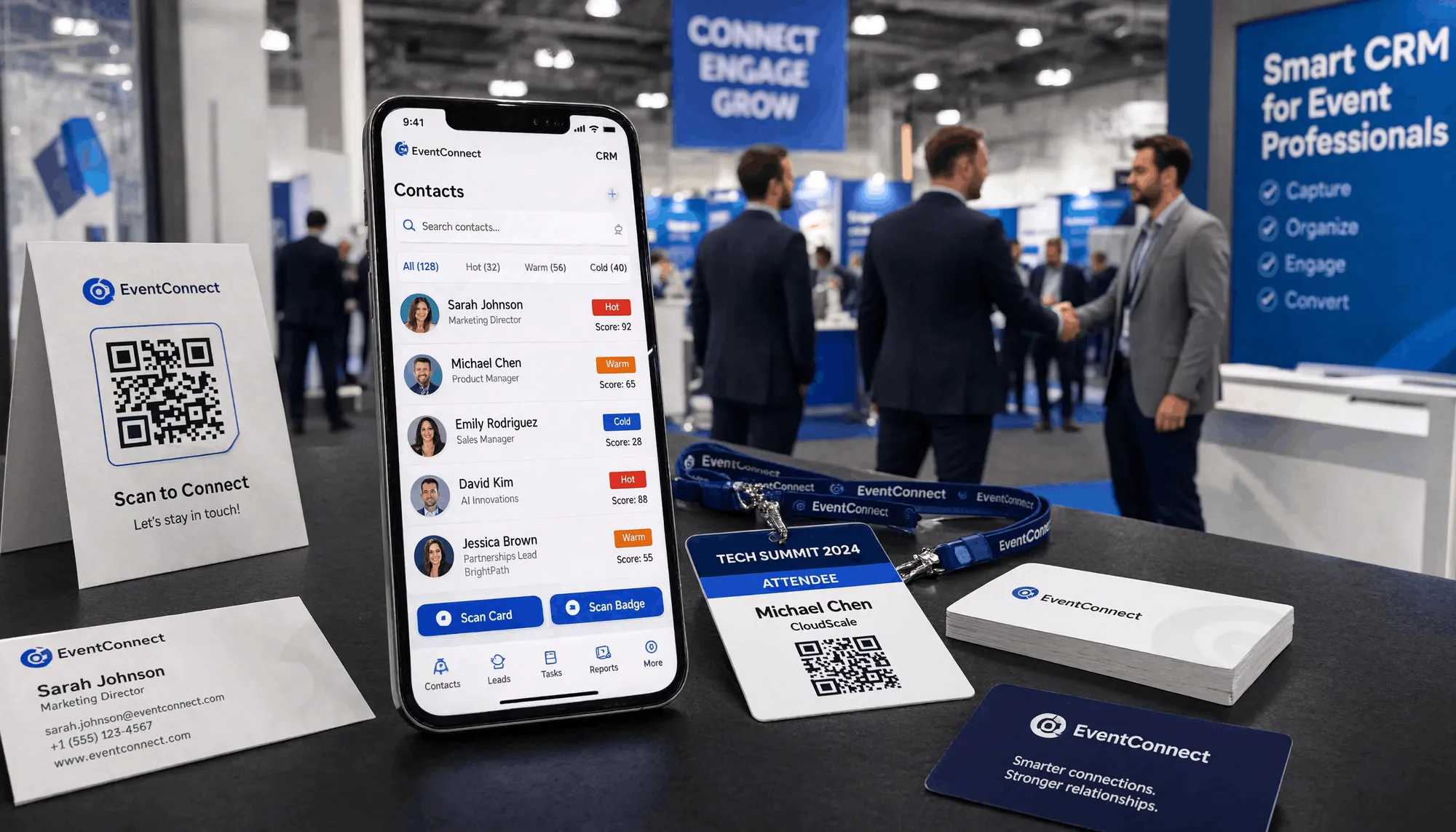
The Venue Wi-Fi Died. Here's Why Your Lead Capture Shouldn't Have Noticed.
Basement expo hall, 400 people on one router, the network collapses — and your competition loses every lead they just scanned. Offline-first isn't a feature for that moment. It's the only thing that survives it.
The network always dies exactly when you need it
It's 3pm on day two of the expo. The basement hall holds 400 people and one overworked router. Someone's booth demo is hammering the bandwidth. The Wi-Fi blinks out — and with it, every cloud app in the building.
For most teams, that's not an inconvenience. It's a data-loss event. The card they scanned five minutes ago is sitting on a vendor's server mid-upload. The one they're scanning right now is stuck on a spinner. The lead they met at the coffee break? Gone, because the sync never completed.
Kauntech was built for that exact moment. Not "it works when the network is good" — it doesn't notice the network left. That's the difference between a tool that demos well and one that ships leads home.
Kauntech · 11 July 2026 · 6 min read
What "offline-first" actually means at a trade show
Most apps are cloud-first with offline mode bolted on — sync is the default, offline is the exception they apologise for. Kauntech inverts it:
- Capture is the default. Scan, read, save — all on-device, zero internet.
- Sync is the exception, and it's opt-in and patient. It waits for signal, then quietly catches up.
- Nothing is lost mid-upload, because the upload was never the thing holding your data.
So when the router dies, your workflow doesn't. You keep scanning. The leads keep landing in your pipeline. The network debt is paid later, automatically, by Smart Sync.

The two timelines, side by side
Here is what the last 90 minutes of a show look like for two salespeople in the same dead-zone hall:
| Moment | Cloud-first app | Offline-first (Kauntech) |
|---|---|---|
| Network drops | Scan queue freezes | Scanning continues, unaffected |
| Card scanned mid-outage | "Upload failed" — lead stuck | Saved locally in <3s |
| End of day | "Re-scan later" list | Full pipeline, already captured |
| Back at hotel Wi-Fi | Manual re-entry begins | Smart Sync already pushed everything |
| Monday follow-up | Half the leads missing | All leads present, tagged, ready |
The cloud-first person didn't work less. They just lost the race to a router.
Why this matters more in India
Indian venues are where connectivity is most heroic and most fragile:
- Basement banquet halls in older buildings — concrete, no signal, one shared connection.
- Massive public expos — IIJS, CII summits, state trade fairs — where 10,000 attendees crush the network at once.
- Train rides between meetings — dead zones are the norm, not the exception.
A scanner that assumes "signal is usually fine" fails precisely at the events that matter most. Kauntech assumes the opposite — that the best networking happens where signal dies — and is engineered so the outage is invisible to your pipeline.
The realistic failure modes (and how Kauntech handles them)
- Dead Wi-Fi mid-scan → OCR is on-device; the scan completes and saves locally.
- No mobile data either → Same result. Capture never needed the network.
- Cloud backup off (your choice) → Fine — local AES-256 store is the source of truth.
- Network returns at 11pm → Smart Sync queues and pushes the day's leads automatically.
The only way to lose a lead is to never capture it. Offline-first removes the "captured but not saved" gap entirely.
How this connects to the rest of Kauntech
- The offline architecture is Section A of the Features page (Offline Superpowers).
- Audio notes and OCR share the same on-device foundation — see the audio-notes post and Features page.
- The compliance upside: if the data never left the phone to be synced, a venue breach can't expose it — details in our DPDP FAQ.
The takeaway
You don't plan for the network to die. It just does — at the worst possible minute, with the most important leads on the line. The question isn't "does your scanner have an offline mode." It's "does your scanner need the network to do its one job?" Kauntech doesn't. The router can drop; your pipeline doesn't have to.
See the offline architecture at kauntech.com/features.
Frequently asked questions
Does Kauntech need internet to scan a card?
No. Scanning, reading, and saving contacts all work with zero internet.
What happens to leads scanned during an outage?
They're saved on-device immediately, then Smart Sync pushes them the moment you're back online.
Can I use Kauntech on a train or in a basement?
Yes - that's the exact scenario offline-first is built for.
Is my data safe if the venue network is compromised?
The raw card data stays on your device; Kauntech's servers don't hold it, so a venue breach can't expose your leads.